v0.8 Release Notes
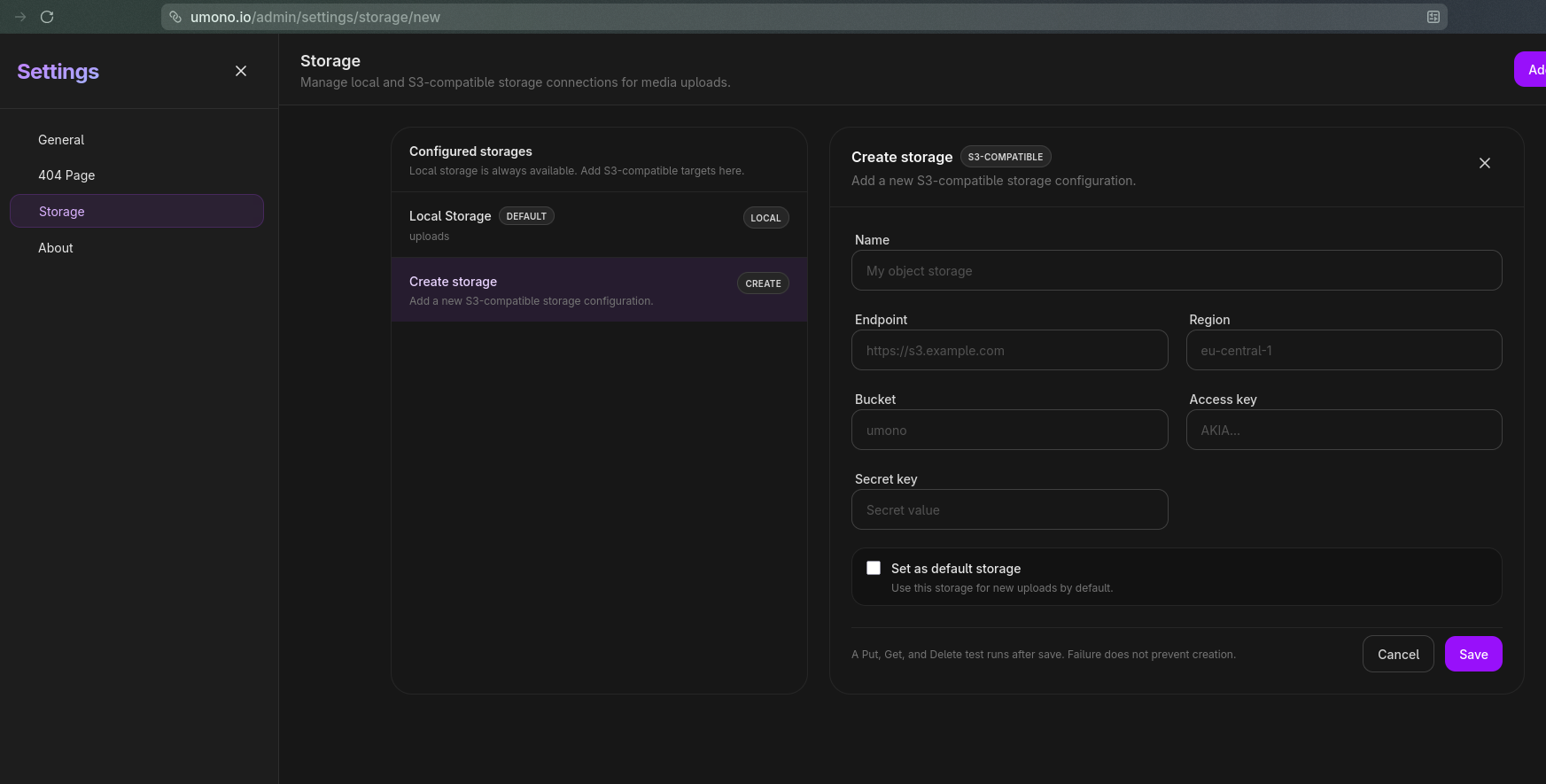
Umono v0.8 focuses on media management, storage, background jobs, and safer configuration.
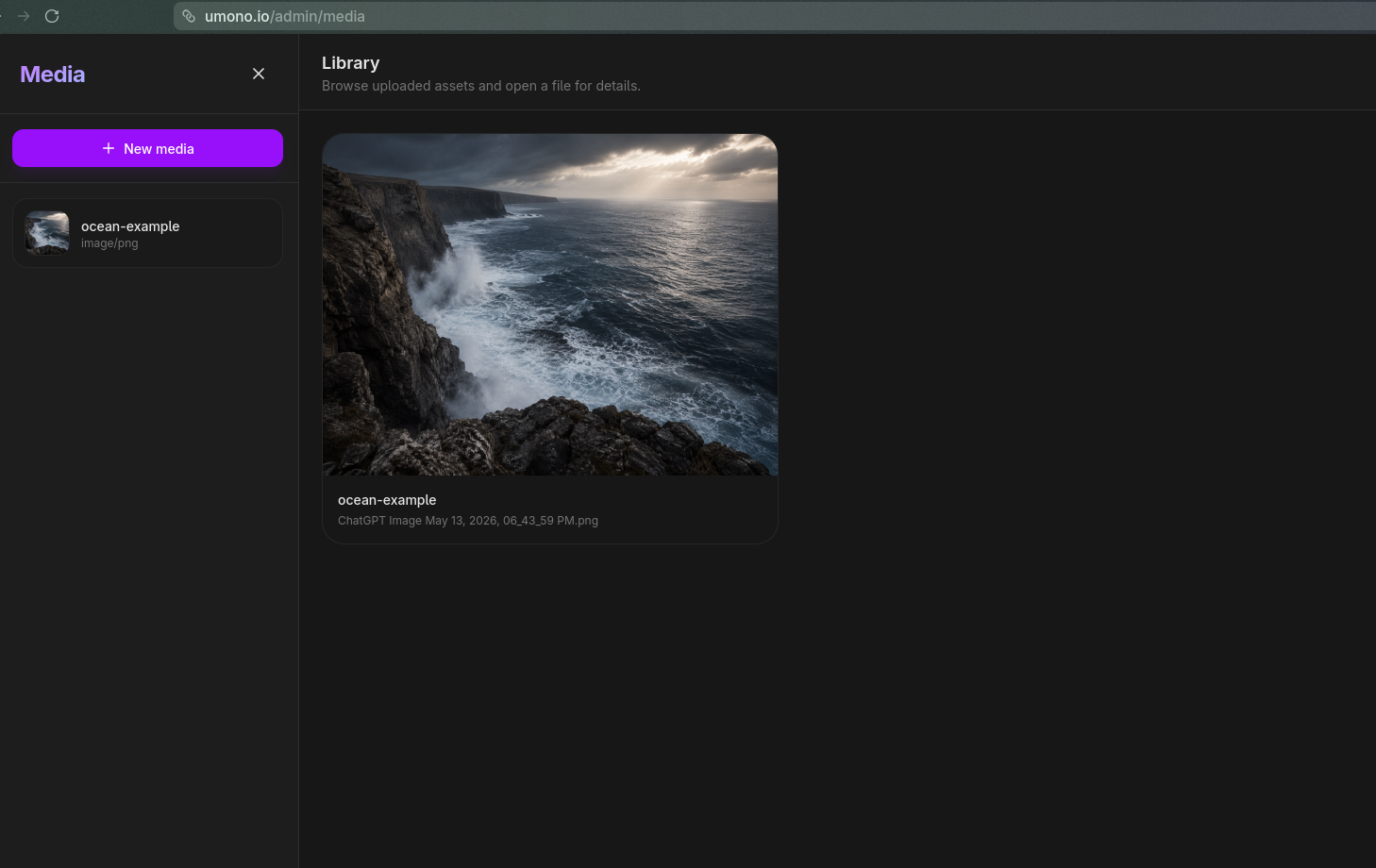
This release adds the first version of the Media Library. You can now upload PNG, JPEG, and WEBP files from the admin panel, give them aliases, inspect their metadata, delete them, and copy a ready-to-use Compono IMAGE built-in component.
Responsive Image Variants
Uploaded images can generate optimized variants in the background.
Umono creates responsive image versions for common widths and formats, including WEBP where possible. It also keeps image metadata and handles details such as EXIF orientation.
The content compiler now understands media context values, so media can be referenced by ID or alias and rendered with variant data.
Background Jobs
This release introduces Umono’s background job system.
It is currently used for image variant generation, but it also creates the foundation for future async work. The admin panel now includes a system jobs screen where failed jobs can be inspected and retried.
Better Content Compilation
Compono compilation has been centralized.
This makes rendering more predictable and allows compile-time context providers, including the new media context provider. Umono also adds image sizes optimization for generated HTML, especially inside responsive web grid layouts.
Security Improvements
v0.8 strengthens admin authentication and secret handling.
Sessions are now regenerated after login, cookies use stricter defaults, and production cookies are marked secure. S3 credentials are encrypted with UMONO_SECRET, and environment updates now preserve the existing UMONO_SECRET instead
of overwriting it.
Go dependencies were also updated, including security updates for the Go toolchain and x/net.
More Languages
The admin interface now includes new locales:
- Portuguese
- Chinese Simplified
- Russian
- Indonesian
- Vietnamese
- Italian
Several existing admin translations were also improved.
Upgrade Notes
Umono v0.8 requires min_cli_version 0.2.1.
Projects also need UMONO_SECRET to be set. If it is missing, Umono will stop at startup and ask you to run:
umono secret init
Summary
It brings media uploads, storage management, image optimization, background jobs, encrypted secrets, and stronger admin sessions into Umono. These changes make Umono more useful for real websites while keeping the system simple and predictable.